Videos
The following video provides a quick guide on how to use EFRIS:
And to find out how to use the EFRIS search function, watch the next video:
Introduction
EFRIS offers two alternative avenues to access the wealth of fundamental rights information available. The first avenue – “commitments” - enables the user to access and visualise the overall degree and nature of the obligations one or more States accepted under international human rights treaties. The second avenue – “compliance” – allows the user to access information concerning the compliance of one or more States under each of these treaties as assessed by the mechanisms monitoring the respective treaties.
Both avenues allow the user to search by system (United Nations, Council of Europe or Court of Justice of the EU), by country and by rights areas (which reflect the structure and scope of the EU Charter of Fundamental Rights).
Depending on which human rights treaties or mechanisms are selected, EFRIS provides different sets of data (United Nations, Council of Europe or Court of Justice of the EU data; expert opinions, judgments of the European Court of Human rights or jurisprudence of United Nations Treaty Bodies).
Most data can be be displayed as graphs, tables and/or maps. The results can be downloaded and shared by the user. Once the results are displayed, the user can click on the entries to get additional information and be redirected to the relevant websites of the United Nations, Council of Europe and the Court of Justice of the EU.
EFRIS visualisations
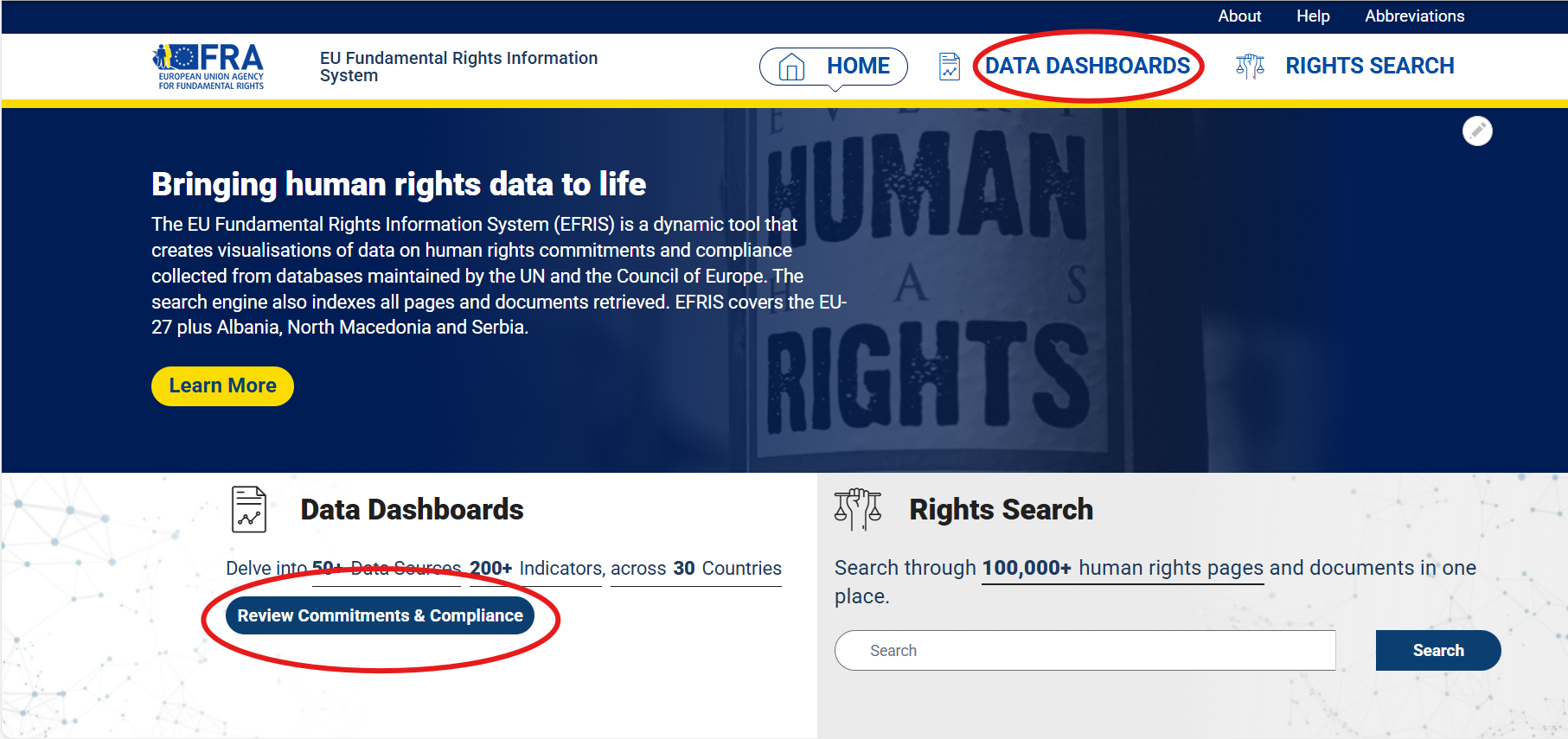
- From the EFRIS home page, click either "Data dashboards" or "Review commitments and compliance".
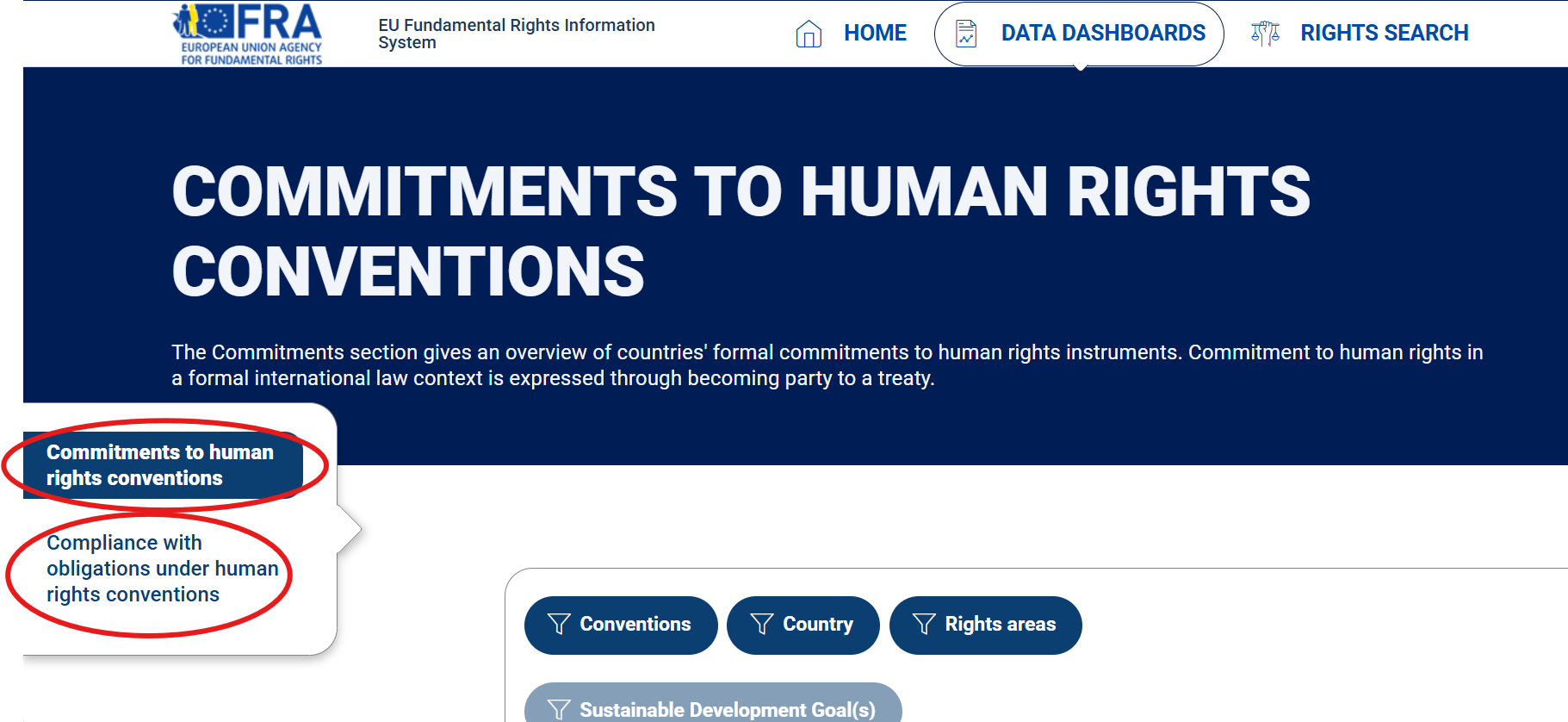
2. Select either the "Commitments" or "Compliance" tab from the menu on the left.
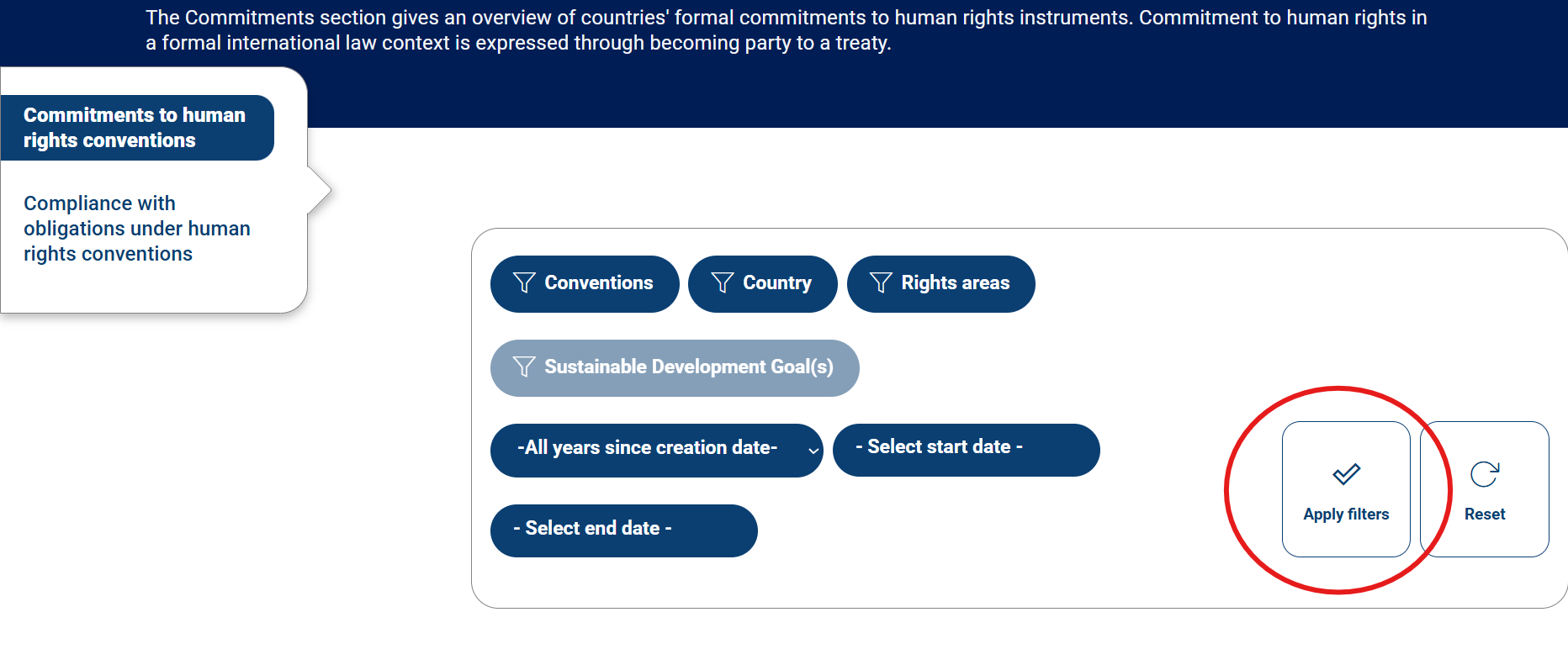
3. Choose which visualisations you want to see by using one or more filters. Click "Apply filters" and the selected visualisations will be generated.
How to access external data sources
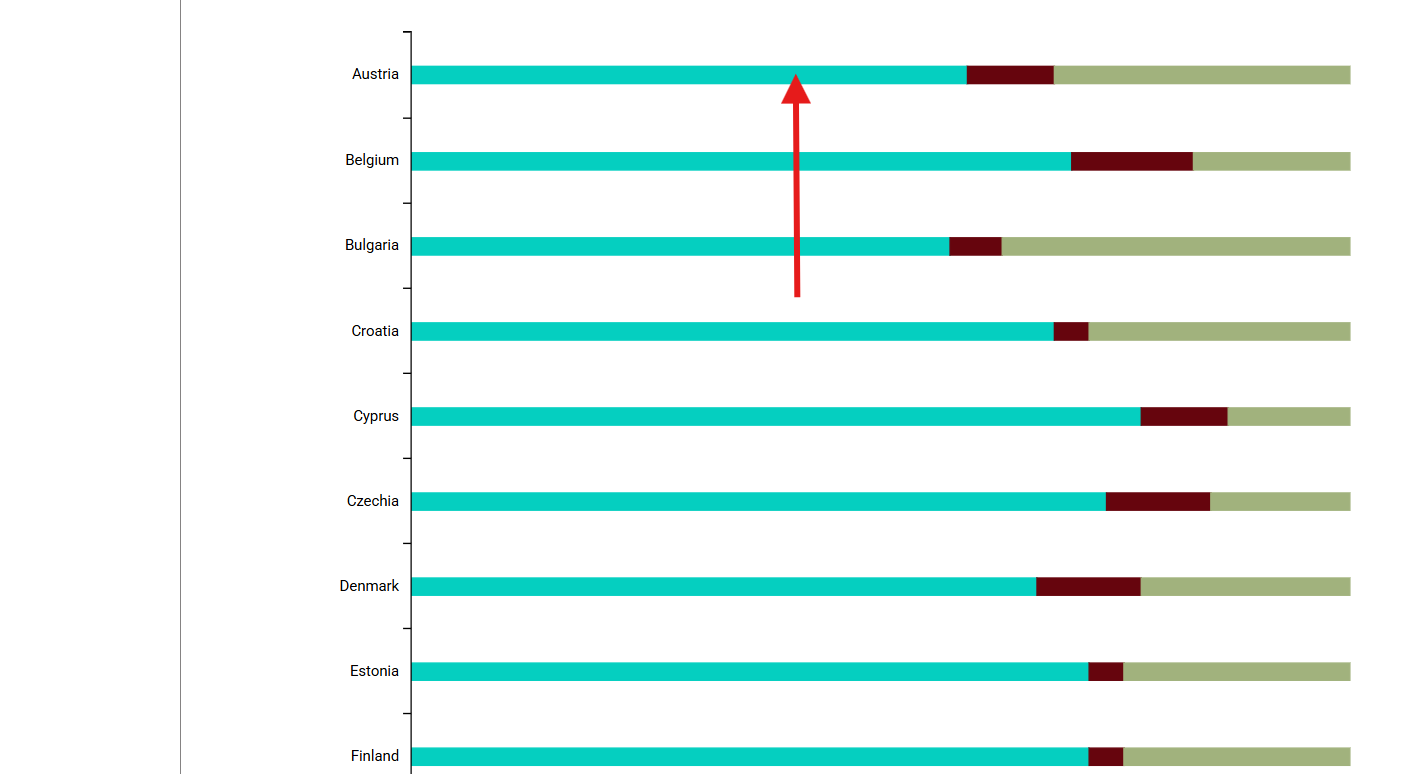
Click a segment on the bar chart and a window will pop up with a list of hyperlinks to the data sources visualised.